How To Update Your Account Settings Online
Made by Tim Jackson with Scribe
1. Step 1 - Open a Browser.
Tip: Tip! - Use Chrome for the best experience.
2. Navigate to https://project.thoughtlabs.co.nz/
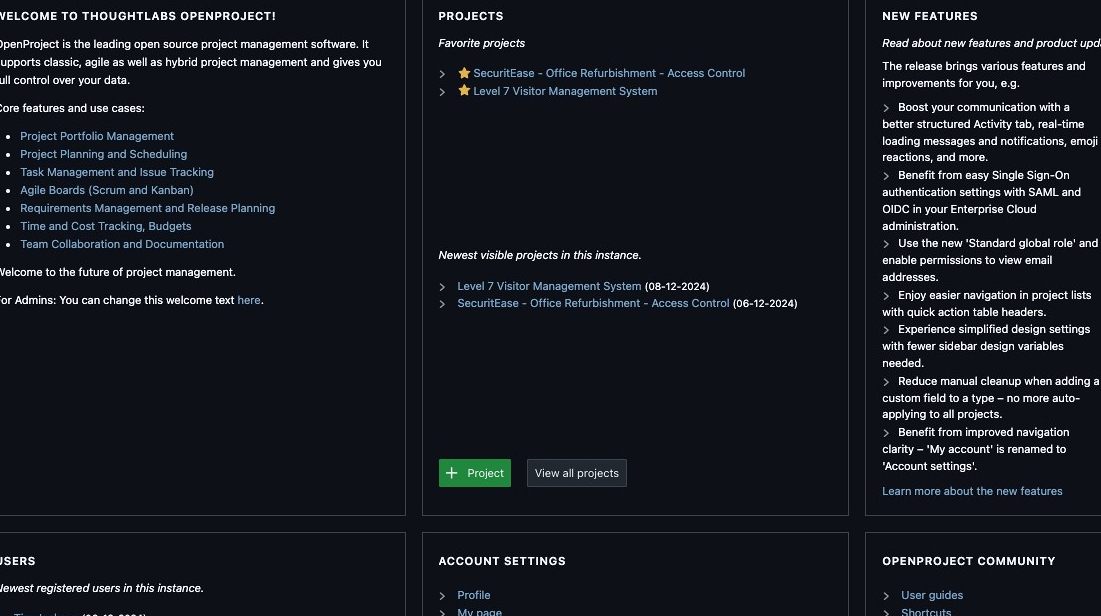
3. Click this image.
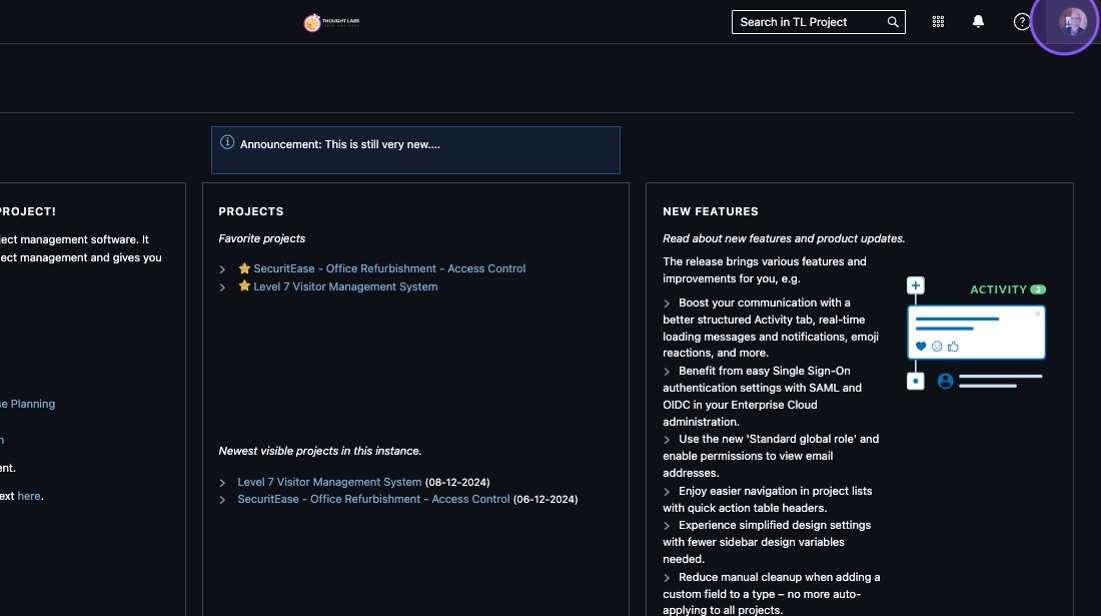
4. Click "Account settings"
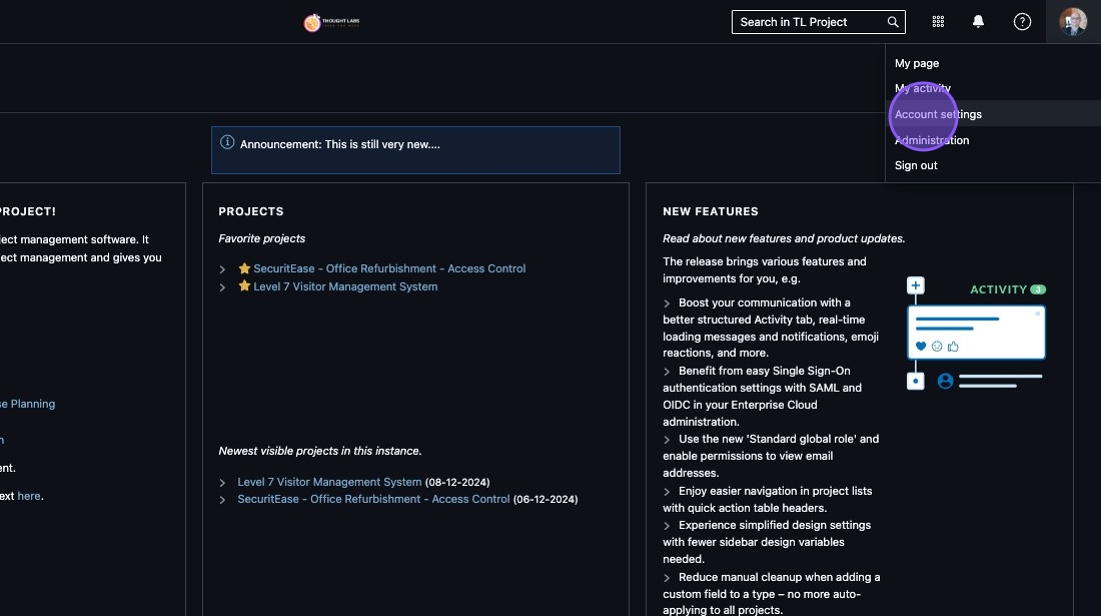
5. Click here.
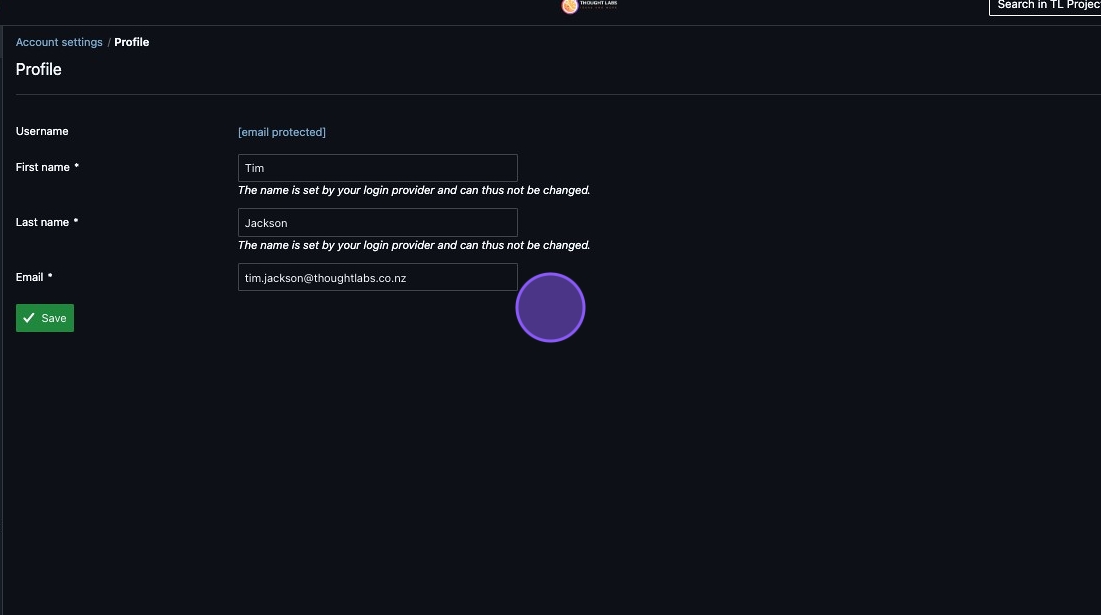
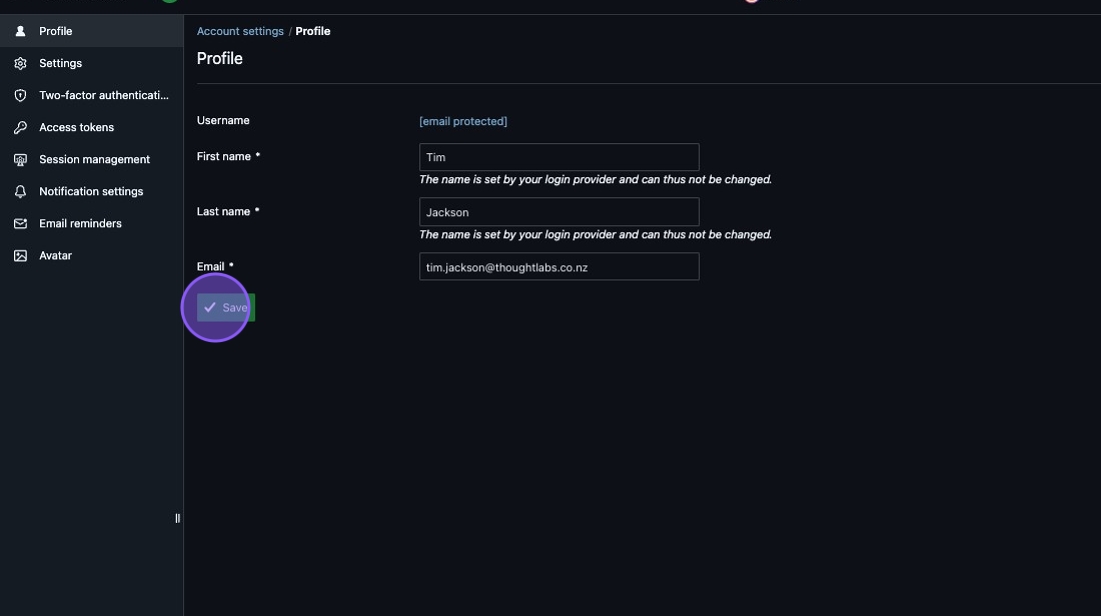
6. Click "Save"
7. All finished - Well Done!